If your office needs a quick way to get staff comfortable with QuickBooks, a training CD can be a practical starting point. But with so many business office courses available, it is hard to know whether a self-paced disc will teach the basics. This review focuses on the Intuit QuickBooks Learning CD Pro & Premier Training Step By Step Guide and what it offers.
Quick verdict
This CD gives you step-by-step instruction for QuickBooks Pro and Premier, covering accounting basics, money management, and report creation. It is priced at USD 12.75. The main thing to keep in mind is that it is a PC CD-ROM, so you will need a compatible Windows computer and a CD drive.
Intuit QuickBooks Learning CD Pro & Premier Training Step By Step Guide
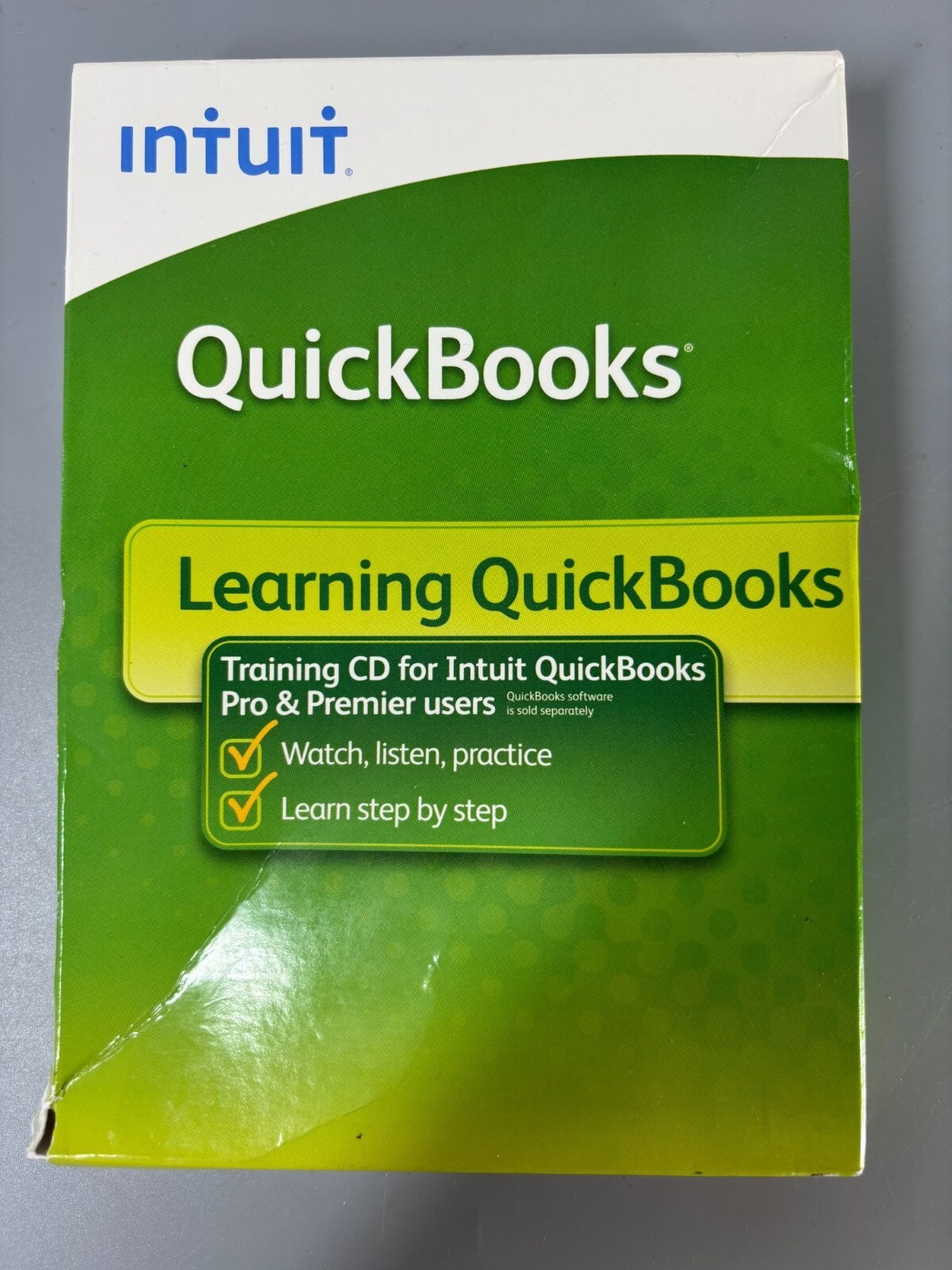
The training is written in easy-to-understand terms and walks through core accounting tasks. It supports both Pro and Premier, so it can serve a mixed office. The listed system compatibility includes Windows XP and Windows Vista, and the number of devices is unlimited, so multiple computers in the same office can use the same disc.
Who it suits
This is for bookkeepers, office managers, or small business owners who already use QuickBooks Pro or Premier and want a guided tour of everyday tasks. It is also good for new employees who are new to accounting software and prefer a self-paced walkthrough to a classroom session.
What stands out from the listed details
The CD covers more than just data entry: it includes accounting basics, financial management, and report creation, so you learn how to produce useful summaries. The step-by-step format makes it easy to follow along directly in the software. The fact that it covers both Pro and Premier is a practical advantage if your company has a mix of versions. The unlimited-device allowance is another useful detail, because one physical disc can be shared across the office without needing multiple purchases.
Meaningful trade-offs
The format is the biggest limitation. A CD-ROM for PC only runs on Windows XP or Vista, so it will not help you if your office has moved to QuickBooks Online or if you use a Mac. You also need a working CD drive, which is becoming less common on newer office computers. Since the training is not instructor-led, you have to set your own pace, and there is no one to answer questions if you get stuck on a specific task. The disc is designed for the Pro & Premier versions, so if you are using a different QuickBooks edition, it may not match your screens.
Bottom line
The Intuit QuickBooks Learning CD Pro & Premier Training Step By Step Guide is priced at USD 12.75 and offers a self-paced training route for Windows users of QuickBooks Pro or Premier. It teaches fundamental accounting skills, financial management, and reporting without overwhelming jargon. As long as your office still runs the compatible desktop software on a PC with a CD drive, this CD can be a useful add-on for training a small team. If you are on QuickBooks Online or a newer operating system, you will want to look for a format that matches your environment.